
Pick the right microphone type
Choosing the right microphone is the single most important decision when building your home studio. The format you select dictates your workflow, your budget, and how easily you can upgrade later. For most podcasters, the choice comes down to two main categories: USB and XLR.
USB microphones: The plug-and-play entry point
USB microphones are the ideal starting point for beginners. They contain a built-in analog-to-digital converter, meaning you can plug them directly into your laptop or desktop and start recording immediately. There is no need to purchase additional gear or fiddle with drivers. This simplicity makes them perfect for solo podcasters who want to launch quickly without technical hurdles.
The Samson Q2U is a standout example in this category. It is a dynamic microphone that rejects background noise well, making it suitable for untreated rooms. Because it functions as both a USB and XLR mic, it offers a unique advantage: you can start with USB for ease of use and switch to XLR later if you decide to invest in an interface for better sound quality and scalability.
XLR microphones: The professional standard
XLR microphones are the industry standard for professional broadcasting and serious home studios. Unlike USB mics, XLR microphones output an analog signal that must be processed by an audio interface or mixer. This extra step adds complexity but also provides superior sound quality, lower latency, and greater control over your audio levels.
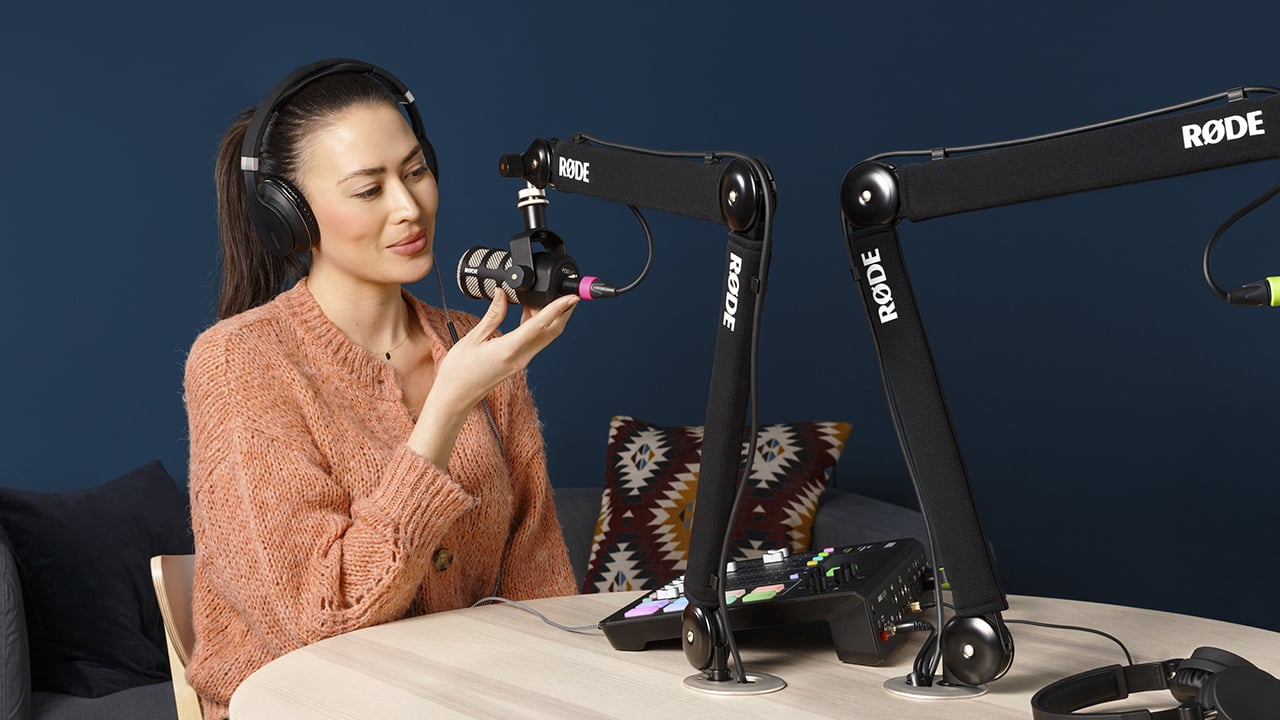
The Rode PodMic is a popular dynamic XLR microphone designed specifically for broadcast-style podcasting. It requires an audio interface, such as the Focusrite Scarlett series, to connect to your computer. While this setup costs more upfront, it allows you to connect multiple microphones simultaneously, add external preamps, and integrate with professional mixing software. If you plan to host guests or expand your show significantly, starting with an XLR setup is often the more robust long-term investment.
Choose comfortable monitoring headphones
When you are recording in a home studio, your headphones do more than just let you hear your voice. They act as a barrier, preventing the audio from your speakers or the room from leaking back into your microphone. This "bleed" can muddy your recording and force listeners to hear an echo of your own voice, which is distracting and unprofessional. To stop this, you need closed-back headphones.
Closed-back designs create a seal around your ears, keeping the sound inside and the noise outside. This isolation is non-negotiable for clear podcasting. Without it, even the most expensive microphone will pick up the sound of your monitor headphones, ruining the clean, intimate vocal track you are trying to capture.
Recommended Models
Comfort is equally important because you will wear these for hours. Here are two industry standards that balance isolation with long-wear comfort:
- Beyerdynamic DT 700 Pro X: These offer excellent passive noise isolation and a sound profile that reveals subtle vocal details. The velour ear pads are breathable, making them a favorite for long recording sessions.
- Sennheiser HD 280 Pro: A classic choice for broadcast environments. They provide robust isolation and a durable build, though the fit can feel tighter on larger heads compared to the Beyerdynamics.


As an Amazon Associate, we may earn from qualifying purchases.
Choose between an audio interface and a podcast mixer
If you are recording with a single host or a small team that shares one microphone, a simple USB mic is usually enough. But for multi-host shows or anyone who wants professional control over their sound, you need dedicated hardware. The two main paths are audio interfaces and podcast mixers. Both connect your microphones to your computer, but they handle signal flow and features differently.
An audio interface is essentially a high-quality bridge between your analog microphones and your digital recording software. It converts the microphone signal into data your computer can process. This setup is clean and reliable, making it the standard for most home studios. You will typically use an interface like the Focusrite Scarlett 2i2 or the Universal Audio Volt 2. These devices prioritize transparent sound and low-latency monitoring, allowing you to hear yourself clearly while you record.
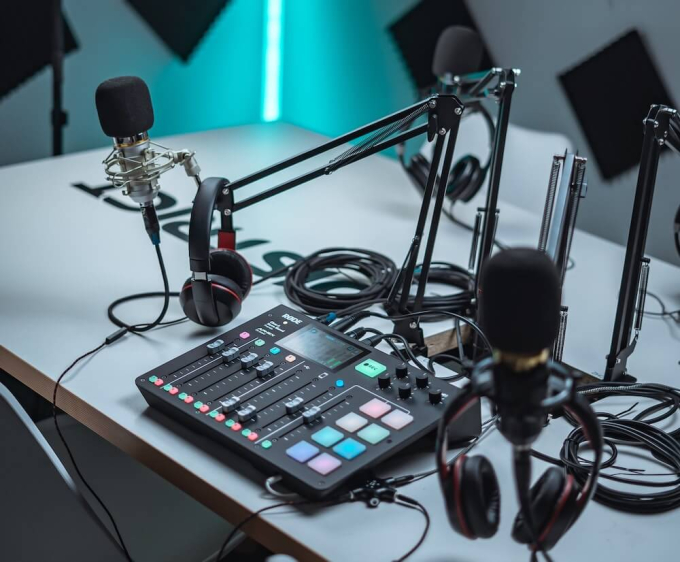
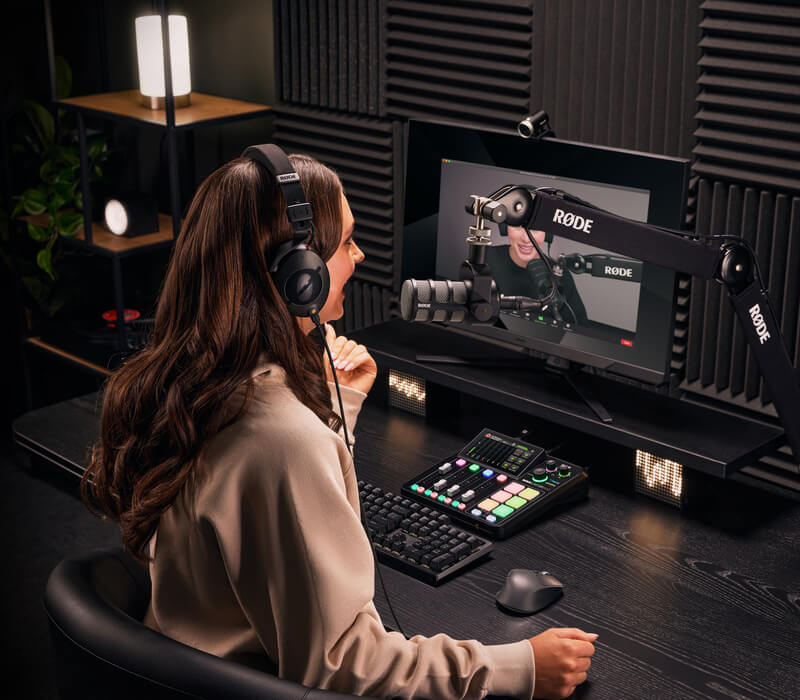
A podcast mixer, on the other hand, is a dedicated controller designed specifically for the workflow of talking heads. Devices like the RØDEcaster Pro II or the Zoom PodTrak P4 offer physical knobs for volume, mute, and sound effects right at your fingertips. Many mixers also include built-in recording capabilities, meaning you can save tracks directly to an SD card without needing a computer running. This is invaluable if you want to record away from your desk or if you have call-in guests that you can manage directly on the hardware.
The choice often comes down to your workflow and how many people you are recording. If you are comfortable managing levels in software and want the highest fidelity from your microphones, an interface is the way to go. If you want tactile control, instant muting, and the ability to record independently of your computer, a mixer provides that convenience. Both are essential pieces of best podcast equipment for anyone serious about audio quality.
| Device | Type | Mic Inputs | Phantom Power | Built-in Recording |
|---|---|---|---|---|
| Focusrite Scarlett 2i2 | Audio Interface | 2 | Yes | No |
| Universal Audio Volt 2 | Audio Interface | 2 | Yes | No |
| RØDEcaster Pro II | Podcast Mixer | 4 | Yes | Yes |
| Zoom PodTrak P4 | Podcast Mixer | 4 | No | Yes |
Add essential accessories for clarity
The microphone is the heart of your setup, but accessories are the nervous system that keeps your audio clean. Without them, even an expensive mic like the Shure SM7B or Samson Q2U will pick up desk bumps, plosives, and room echoes. These low-cost additions are non-negotiable for professional-sounding podcast equipment.
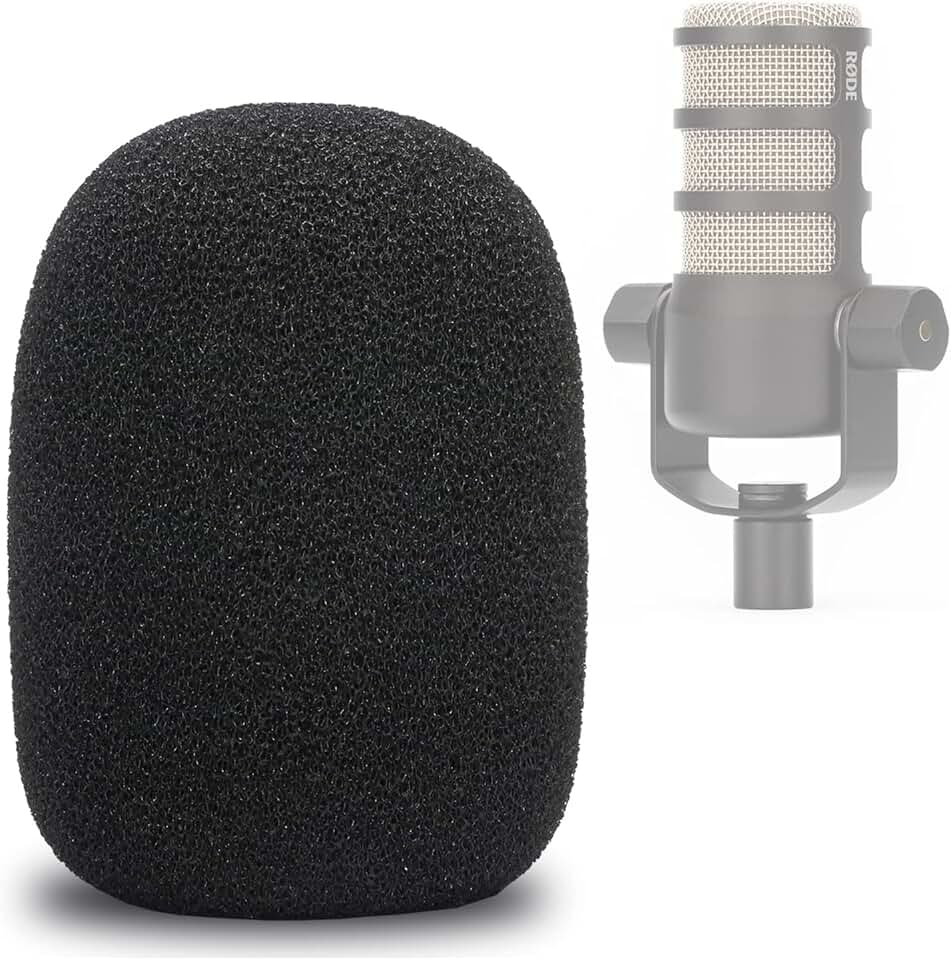
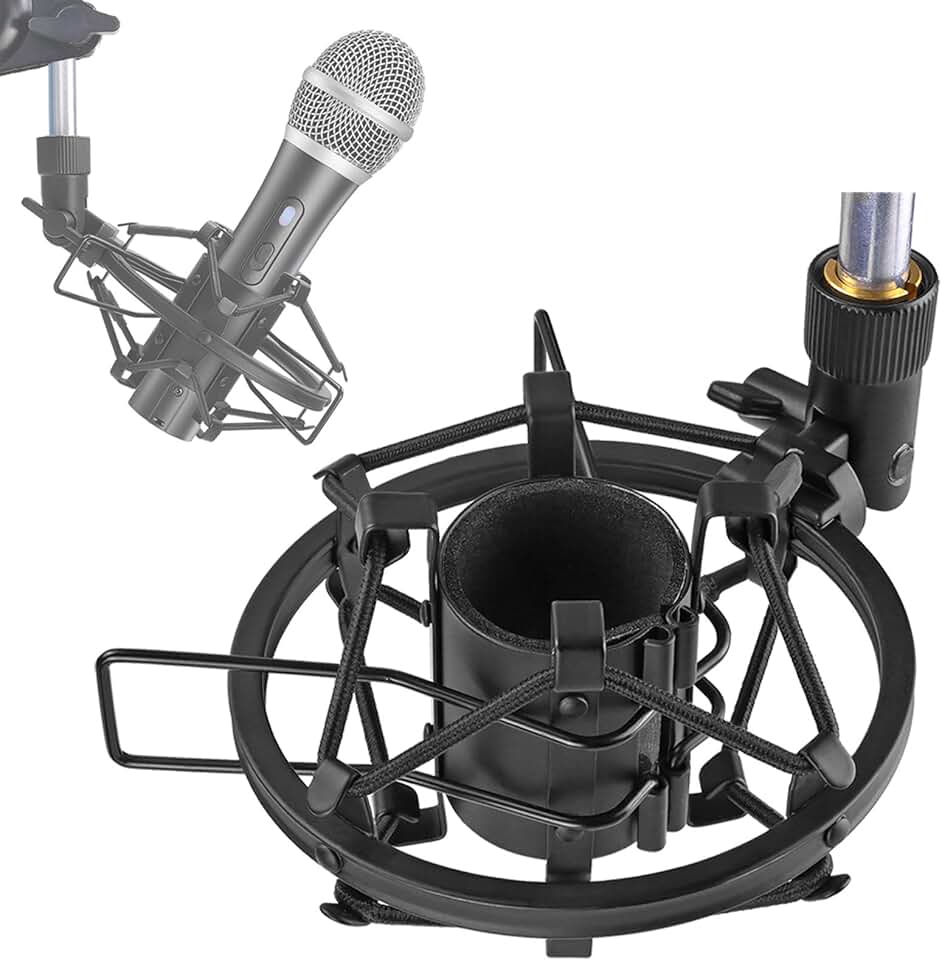
A pop filter acts as a shield against harsh "P" and "B" sounds that cause audio clipping. It doesn't just protect your recording; it allows you to speak closer to the mic for that rich, intimate broadcast tone. Pair this with a boom arm, which lifts the mic off your desk. This isolation prevents vibrations from keyboard typing and mouse clicks from traveling through the table into your audio. A shock mount further dampens these vibrations, ensuring your best podcast equipment captures only your voice.
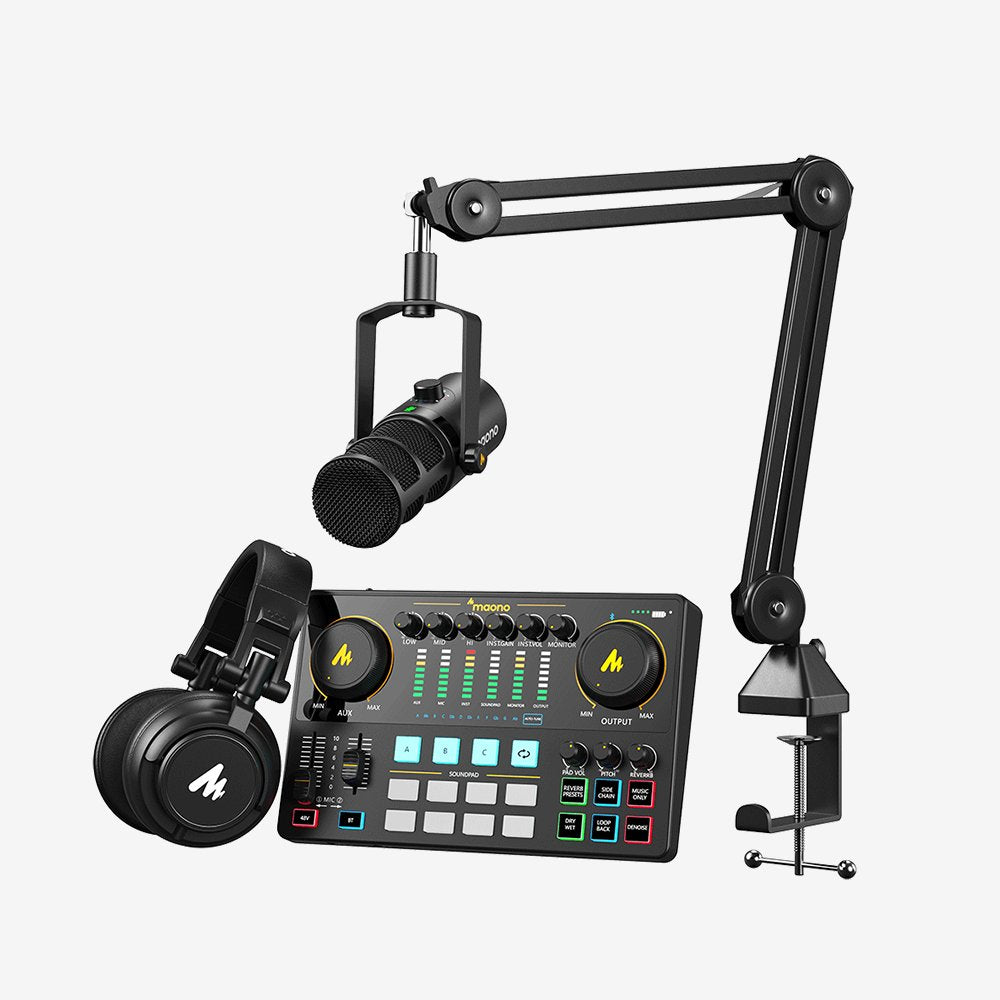
Don't overlook the small details. A simple pop filter costs under $20 but saves hours of post-production cleanup. Similarly, a sturdy boom arm like the Rode PSA1 or a budget-friendly Maono arm provides the flexibility to position your mic perfectly without straining your neck. These tools transform a chaotic home studio into a controlled recording environment.
Compare top podcast equipment bundles
If you want a complete, pre-matched setup without researching individual components, these bundles offer the best podcast equipment for home studios. Each option pairs a reliable microphone with the necessary interface or mixer, ensuring you get professional-grade audio right out of the box.
| Bundle | Microphone | Interface/Mixer | Best For |
|---|---|---|---|
| Samson Q2U Starter | Samson Q2U Dynamic | USB-C/3.5mm Direct | Solo hosts on a budget |
| Rode PodMic Duo | 2x Rode PodMic | Rodecaster Pro II | Two-person interviews |
| Audio-Technica ATR | Audio-Technica ATR2100x | USB/XLR Hybrid | Beginners transitioning to pro gear |
| Shure MV7+ Kit | Shure MV7+ | USB-C Direct | Voice-over and podcasting |
These setups remove the guesswork from building your studio. Whether you are recording solo or hosting guests, choosing a bundle ensures your microphone and interface are already optimized to work together.

As an Amazon Associate, we may earn from qualifying purchases.
Checklist for your first recording session
Before you hit record, ensure your home studio setup is calibrated. A smooth first broadcast relies on verifying that every component in your best podcast equipment chain is functioning correctly.
Common questions about podcast gear
What equipment do most podcasters use?
Most podcasters start with a dynamic microphone like the Samson Q2U or the Rode PodMic, paired with wired headphones for monitoring. While audio interfaces are standard for multi-mic setups, many solo hosts prefer USB mics for simplicity. For those recording remotely, a digital recorder like the Zoom H6 offers the flexibility to capture high-quality audio away from a laptop.
Do I need an LLC to start a podcast?
For most beginners, forming an LLC is not necessary. If you are recording alone without aggressive monetization plans, operating as a sole proprietor is usually sufficient. However, if you plan to secure sponsorships or have co-hosts, an LLC can protect your personal assets. Consult a local attorney to determine the best structure for your specific risk tolerance.
How much does a podcast with 10,000 listeners make?
Revenue varies significantly based on niche, audience engagement, and ad formats. A podcast with 10,000 active listeners might earn between $200 and $1,000 per month through ads, depending on whether the audience is in a high-value sector like finance or tech. Most new podcasters see little to no income in the first year, relying on sponsorships only after building a consistent download history.
No comments yet. Be the first to share your thoughts!