
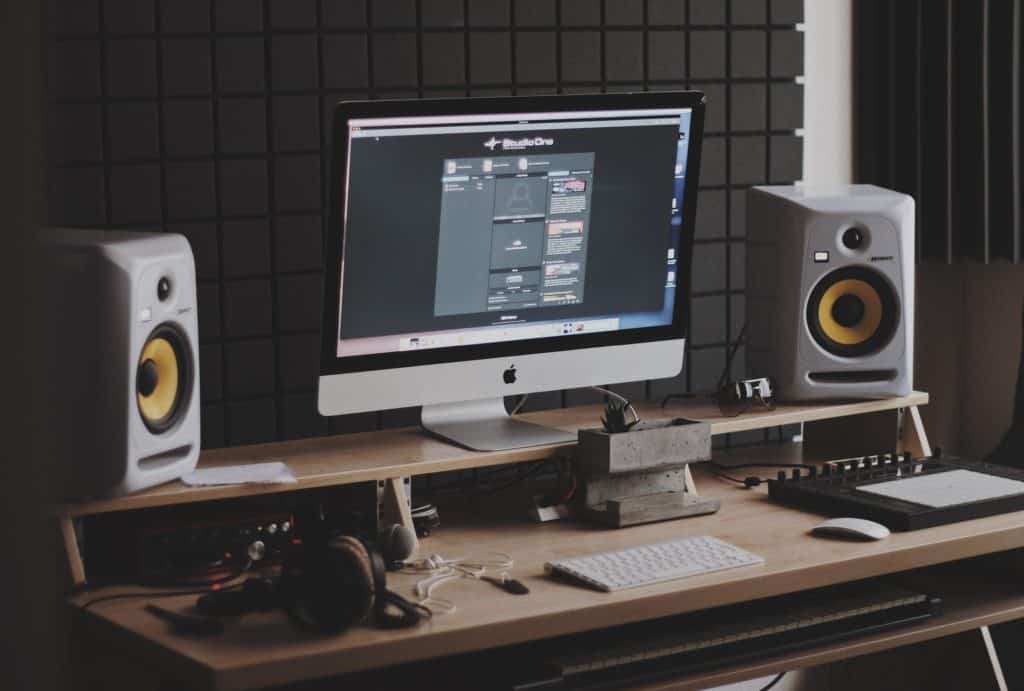
Podcast setup budget
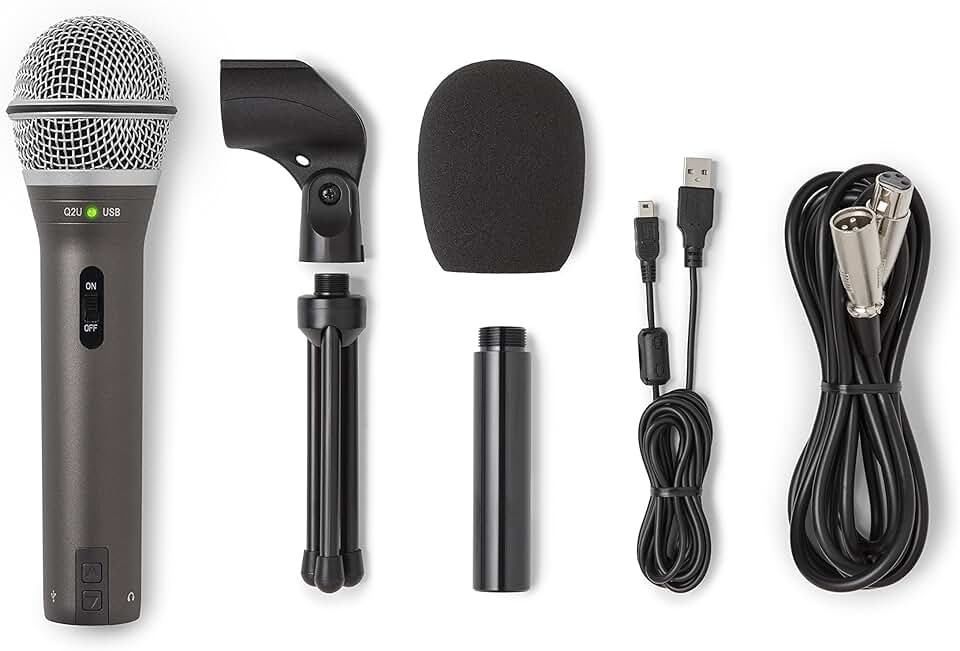
Building a studio on a budget means accepting tradeoffs in age and condition rather than just price. The Samson Q2U remains the baseline for entry-level audio because it bridges USB and XLR, letting you upgrade your interface later without replacing the mic. Wired Apple EarPods are often included in starter kits, but their built-in mic is a liability; swapping them for a dedicated pair under $20 improves isolation immediately.
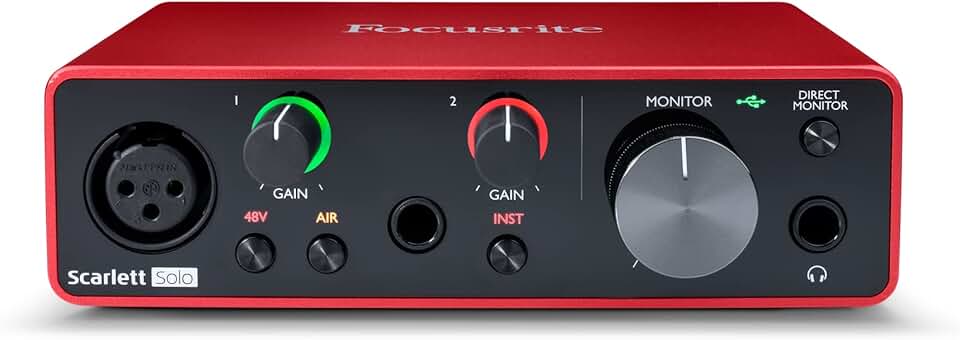
When browsing for used gear, check for physical wear on XLR connectors and foam windscreens, which degrade over time. A slightly older interface like the Focusrite Scarlett Solo can be found for less if the knobs still turn smoothly. Avoid heavily modified or "refurbished" units from unknown sellers unless they come with a warranty.

As an Amazon Associate, we may earn from qualifying purchases.
Prioritize items that serve dual purposes. A USB mic with an XLR output extends its lifespan. A sturdy boom arm reduces desk vibrations that cheap microphones amplify. Stick to these core components before adding acoustic treatment or complex routing, which rarely justify the cost for a first setup.
Shortlist real options
We compared the most reliable entry-level gear for 2026 based on build quality, USB connectivity, and real-world audio performance. The goal is to help you skip the noise and pick equipment that actually sounds professional. These picks cover the essential trio: the microphone, the boom arm, and the monitoring headphones.
Best USB Microphone: Samson Q2U
The Samson Q2U remains the gold standard for beginners because it offers both USB and XLR outputs. This dual connectivity means you can start with a simple plug-and-play USB connection and upgrade to an audio interface later without buying a new mic. It handles close-talk recording well, capturing that rich, broadcast-style voice without requiring expensive acoustic treatment.

Best Budget Boom Arm: Havit HV-MS901
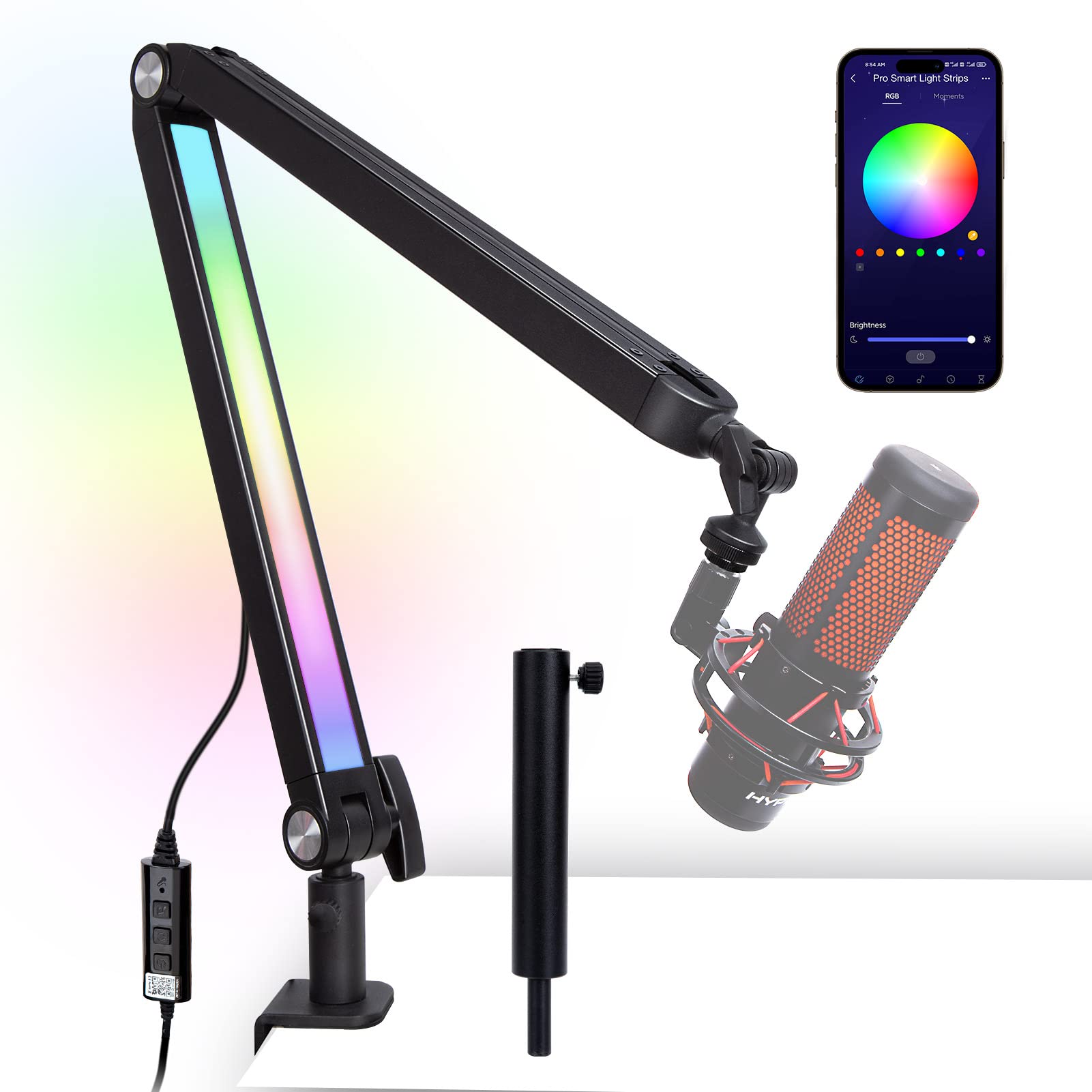
A sturdy boom arm is non-negotiable for reducing desk vibrations that ruin audio. The Havit HV-901 is a lightweight aluminum option that holds its position well and keeps the mic at a consistent distance from your mouth. It’s affordable, easy to clamp onto most standard desks, and frees up valuable workspace. While it lacks the premium damping of higher-end arms, it performs admirably for the price.
Best Wired Headphones: Sony MDR-7506
For monitoring your recordings, wired headphones are essential to avoid latency issues common with Bluetooth. The Sony MDR-7506 is an industry staple used in studios worldwide. They provide a flat frequency response, allowing you to hear exactly what the microphone is capturing, including background noise or plosives. Their closed-back design prevents audio bleed into your mic during recording.

Comparison Table
| Product | Type | Connectivity | Best For |
|---|---|---|---|
| Samson Q2U | Microphone | USB / XLR | Versatile recording |
| Havit HV-MS901 | Boom Arm | N/A | Vibration reduction |
| Sony MDR-7506 | Headphones | Wired | Studio monitoring |
Inspect the expensive parts
Before you spend hundreds on AI noise suppression or high-end interfaces, check the hardware that actually captures the sound. A $300 microphone will still sound bad if the cable is broken or the stand is vibrating. Treat your gear like a chain: the weakest link determines your audio quality.
Focus your inspection on the three components most likely to fail silently or degrade your signal. These are the expensive failure points that ruin recordings.
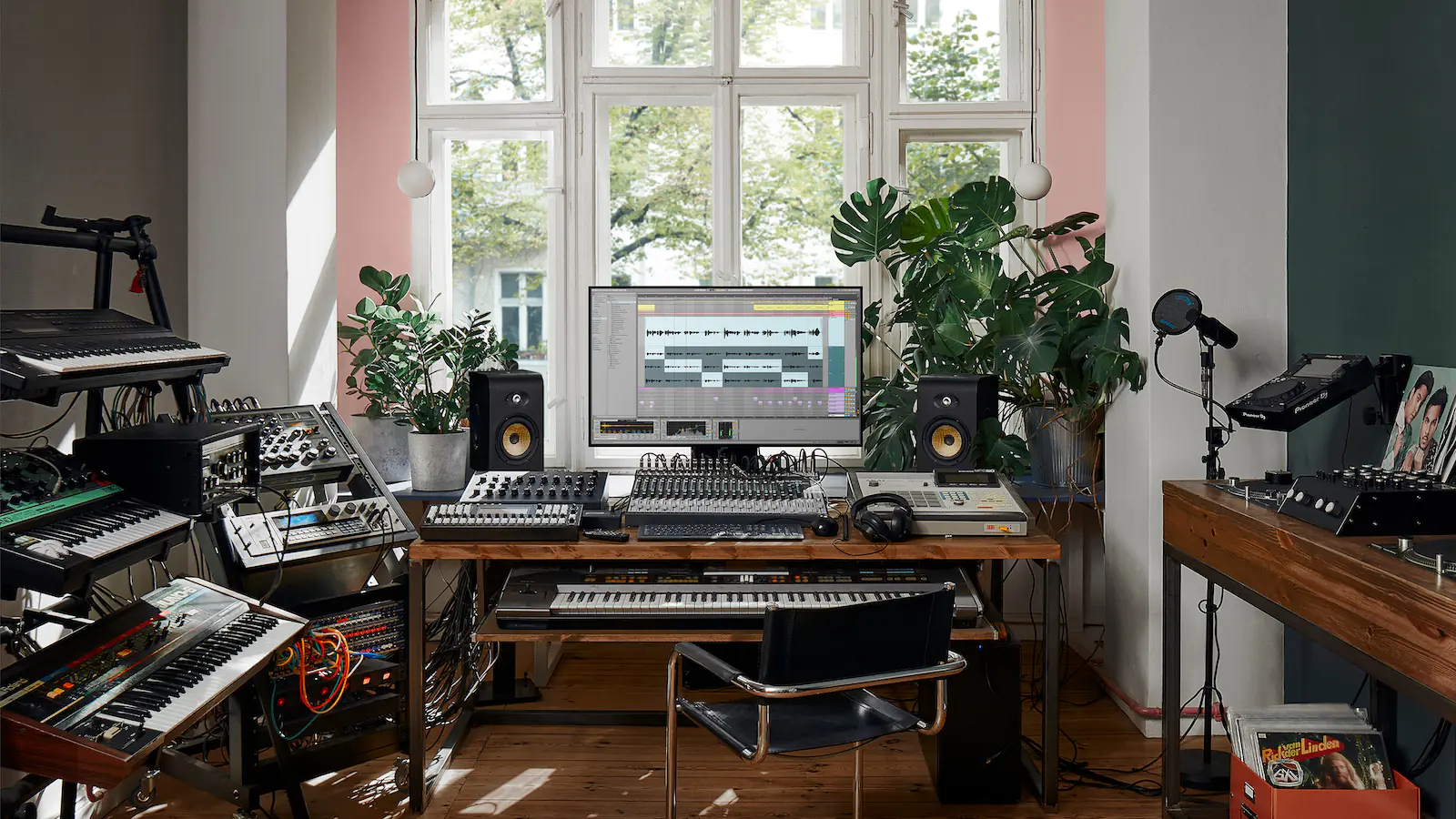
Cables are the most common point of failure. Inspect the connectors for bent pins and the jacket for cracks. Swap in a known-good cable to rule out static or dropouts. Cheap cables often introduce hum; buy shielded ones for your microphone connection.
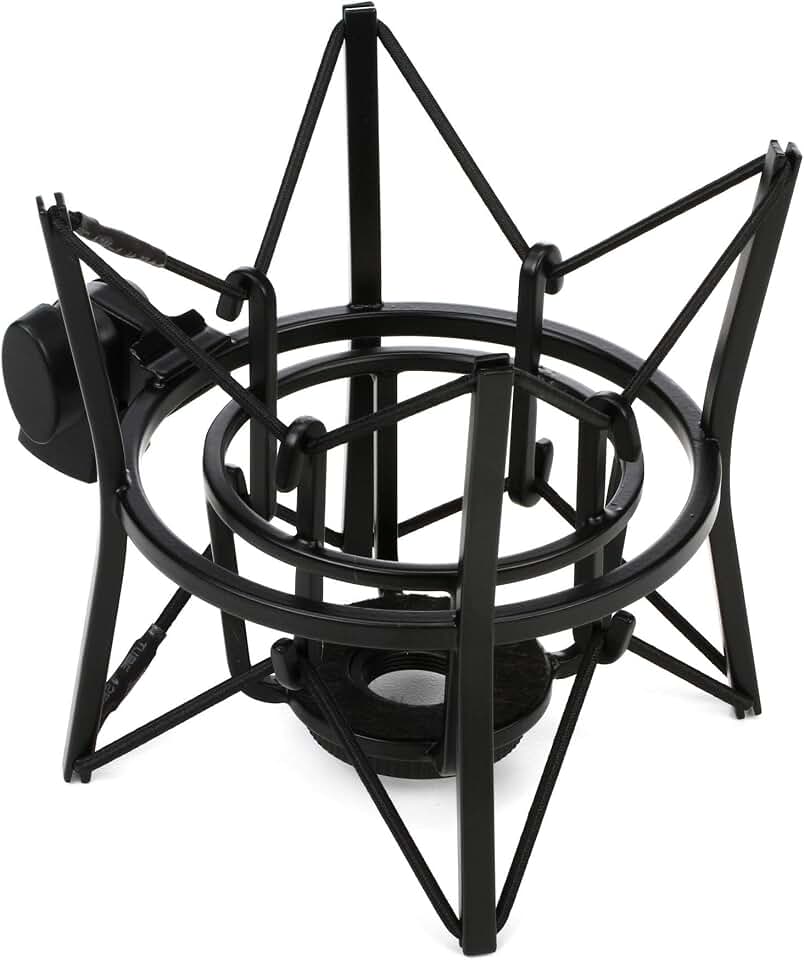
Vibrations from your desk or floor travel through the stand into the mic. Check the shock mount’s rubber bands for dry rot or loss of tension. Ensure the stand is tight and stable. A loose mount turns every footstep into a thump in your recording.
The preamp amplifies your mic’s signal. Plug your mic in and watch the gain meter. If the signal is too quiet, the preamp might be weak. If it clips even at low gain, the circuit may be faulty. Listen for background hiss when no one is speaking.
Plan for ownership costs
A budget mic is only the entry fee. The real expense comes from the accessories and replacements that keep your audio clean over time. If you skip these, your "cheap" setup quickly becomes a source of frustration and poor sound quality.
The hidden cost of wireless and batteries
Wireless mics or Bluetooth headphones look convenient, but they introduce latency, compression, and the constant need for charging. A wired setup eliminates these variables. The Samson Q2U, for example, offers both USB and XLR outputs. This means you can start with a simple USB connection to your laptop and upgrade to an audio interface later without buying a new microphone. This flexibility protects your initial investment.
Maintenance and consumables
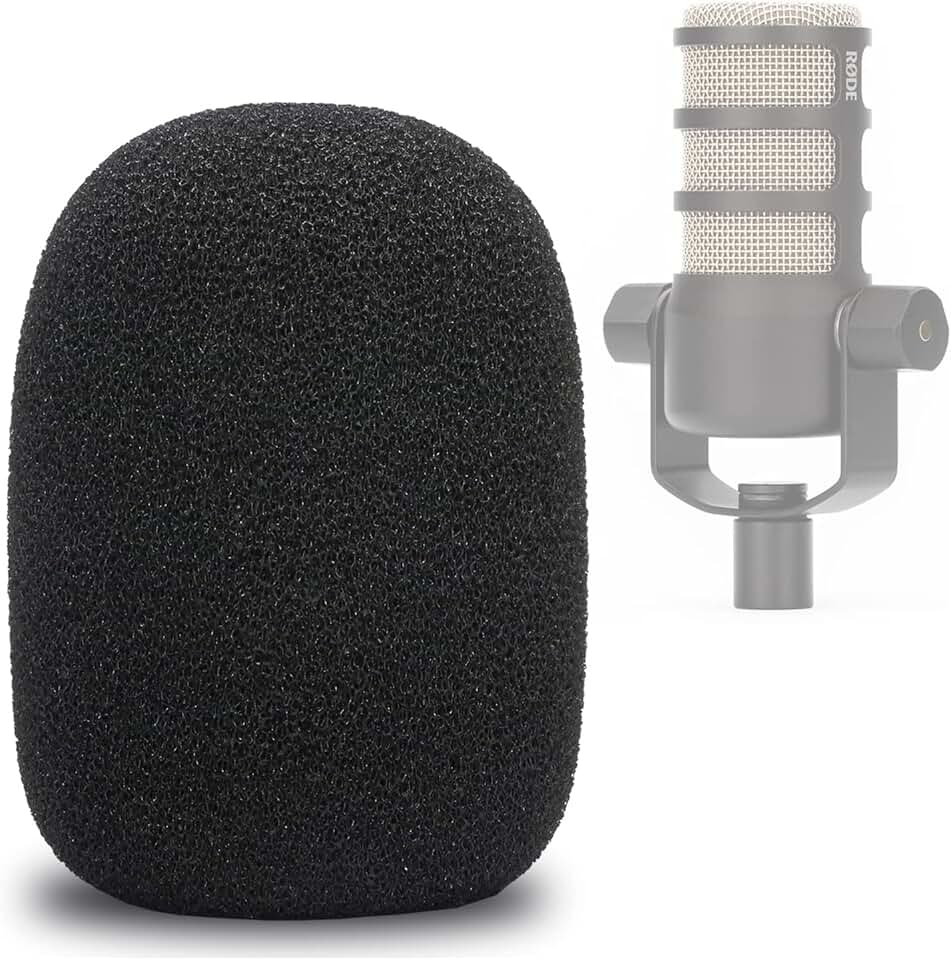
Microphones gather dust, skin oils, and debris. A dirty pop filter or capsule degrades sound clarity. You need a soft microfiber cloth and isopropyl alcohol for regular cleaning. For dynamic mics like the Rode PodMic, the foam windscreen is a consumable item that should be replaced every few months to prevent moisture buildup and maintain its noise-reduction properties.
When "cheap" stops being cheap
If you find yourself buying separate stands, shock mounts, pop filters, and cables for every piece of gear, the costs add up. Look for bundles or integrated solutions. A boom arm with a built-in cable management system, for instance, saves money on separate clamps and ties. The goal is to minimize the number of individual components you need to manage and replace.


As an Amazon Associate, we may earn from qualifying purchases.
The bottom line
Calculate the total cost of ownership, not just the sticker price. Include the cost of a decent stand, a pop filter, and a pair of wired headphones. A $50 microphone with $50 in accessories is a better long-term investment than a $100 wireless mic that requires constant battery swaps and suffers from connection drops. Prioritize wired, durable, and multi-interface gear to keep your costs predictable and your audio consistent.
Podcast setup: what to check next
Before committing to a specific bundle, it helps to clarify how AI features integrate with your existing workflow and hardware. Here are the most common practical concerns regarding budget-friendly, AI-enhanced podcasting.
No comments yet. Be the first to share your thoughts!